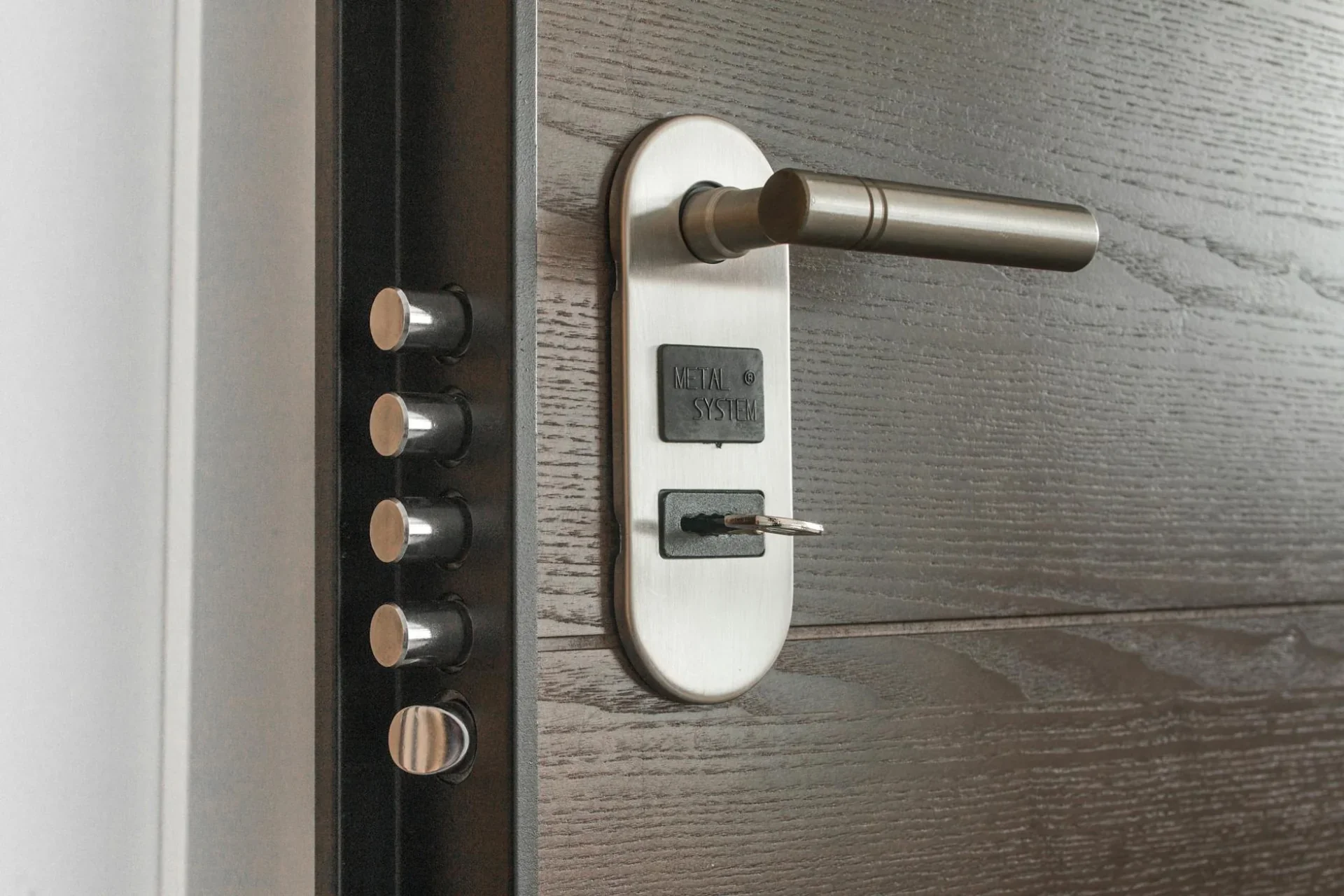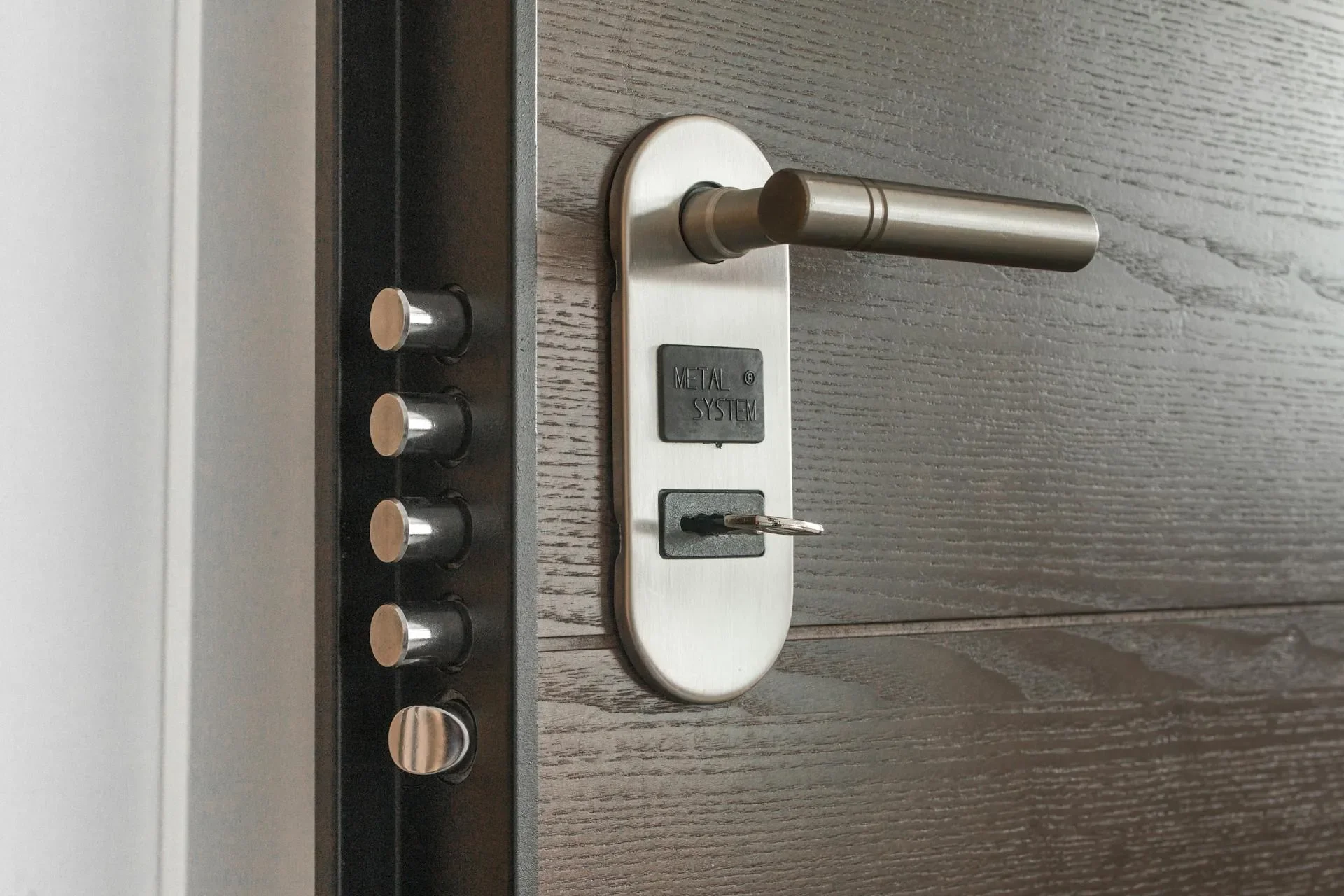
Airbnb smart locks for Austin vacation rentals have become essential tools for hosts managing properties in South Congress, Zilker, Downtown, and other high-traffic tourist areas. In 2026, professional smart lock systems eliminate key handoffs, provide access logs for insurance claims, and offer remote guest management during SXSW, UT football weekends, and ACL Festival.
Traditional vacation rental locks create security risks and operational headaches. Hidden keys under doormats invite theft. Meeting every guest for key exchange consumes hours. Locks that don’t auto-delete access codes between guests create dangerous security vulnerabilities.
Why Austin Airbnb Hosts Need Specialized Lock Solutions
Austin’s short-term rental market presents unique security challenges. The city’s major events create booking surges with unfamiliar guests. Properties near UT Austin, Downtown, South Congress, and Rainey Street see constant turnover.
Traditional key systems fail for vacation rentals in specific ways:
Key handoff logistics: Meeting guests at 11pm for check-in, 6am for early checkout, or during your workday disrupts your schedule. For hosts managing multiple properties, coordinating dozens of monthly handoffs becomes impossible.
Lost key liability: Guests lose keys constantly, especially during SXSW chaos or late-night Sixth Street outings. Each lost key requires lock replacement at $180-$325 plus the security risk of keys in strangers’ hands.
No access control: Traditional keys work forever. Former guests, fired cleaners, and ex-contractors retain access unless you rekey. Many Austin hosts never rekey between guests, creating massive security exposure.
Zero accountability: When damage or theft occurs, you can’t prove who entered when. Insurance claims require evidence. Traditional keys provide zero documentation.
Hidden key risks: That fake rock in your Zilker front yard? Burglars check there first. Lockboxes on doorknobs signal “unoccupied vacation rental” to thieves. These “solutions” create more problems than they solve.
Airbnb banned indoor cameras in 2024, shifting more security responsibility to entry access control. Your lock system now carries primary responsibility for documenting who enters your property.
Top Smart Locks for Vacation Rentals in 2026
Not all smart locks work well for vacation rentals. Hosts need specific features: remote code management, automatic code deletion, no physical keys, and integration with booking platforms.
Best Overall: Yale Assure Lock 2 with Wi-Fi ($350-$425)
Features:
- Wi-Fi built-in (no separate bridge required)
- Remote code management via Yale Access app
- Temporary codes with automatic expiration
- Access activity notifications
- Integrates with Airbnb, VRBO, and major platforms
- Battery life: 12-18 months (4 AA batteries)
- Optional fingerprint reader add-on
- Voice assistant compatible (Alexa, Google)
Why it wins: Complete feature set, reliable performance in Austin heat, established brand with responsive support.
Austin-specific benefit: Excellent battery life in heat. Many cheaper locks drain batteries quickly in Texas summers.
Runner-Up: August Wi-Fi Smart Lock ($300-$375)
Features:
- Retrofit design (installs over existing deadbolt)
- DoorSense technology (knows if door is open or closed)
- Auto-lock feature (locks automatically after entry)
- Guest access management via app
- Activity log with access history
- Voice assistant integration
- Battery life: 9-12 months (4 AA batteries)
Why hosts like it: Non-destructive installation (preserve existing locks), auto-lock prevents guests leaving doors unlocked.
Best for: Hosts who want to keep existing lock hardware, downtown condos with HOA restrictions on exterior changes.
Budget Option: Wyze Lock ($160-$200)
Features:
- Basic remote code management
- Temporary access codes
- Activity history
- Auto-lock capability
- Integrates with Wyze ecosystem
- Battery life: 6-9 months (4 AA batteries in Austin heat)
Limitations: Requires Wyze Bridge ($20) for remote access, fewer third-party integrations, less robust in high-use environments.
Best for: Occasional rental properties, secondary entry doors, budget-conscious new hosts testing smart locks.
Premium Option: Schlage Encode Plus ($425-$550)
Features:
- Built-in Wi-Fi (no bridge needed)
- Apple Home Key support (unlock with iPhone/Watch)
- Extensive alarm features
- Built-in security alerts
- Heavy-duty construction
- Battery life: 12-18 months (4 AA batteries)
- Highest security rating (ANSI/BHMA Grade 1)
Best for: Luxury rentals, properties with theft concerns, hosts who want maximum security and reliability.
All these locks work with standard door preparations (2-1/8” bore hole, 2-3/4” or adjustable backset). Our residential locksmith services install and configure any of these systems for Austin vacation rental hosts.
Remote Access Management: Never Hand Out Keys Again
The primary advantage of smart locks for Austin vacation rentals is eliminating physical key exchanges entirely. Here’s how remote management works in practice.
Guest Check-In Process:
7 Days Before Arrival: Create unique access code for guest in smart lock app. Set code to activate at check-in time (3pm default). Set code to deactivate at checkout time (11am).
Check-In Day: Guest receives automated message with access code and instructions. No host involvement required. Code works exactly from 3pm check-in time.
During Stay: Monitor access logs. Get notifications when guests enter/exit if desired. No action required unless issues arise.
Checkout Day: Code automatically deactivates at 11am checkout time. Guest can’t re-enter. You’re notified when they leave (last exit timestamp).
After Checkout: Code is permanently deleted from system. Previous guest can never use that code again.
This automation handles guest access for South Congress, Zilker, and Domain vacation rentals with zero host involvement. Manage dozens of properties from a single app.
Emergency Scenarios:
Guest locked out (forgot code): Generate temporary 24-hour code remotely. Text to guest. No driving across Austin to let them in.
Early check-in request: Activate code 2 hours early with one app tap. No schedule disruption.
Late checkout approved: Extend code expiration by 2 hours remotely.
Cleaning crew running late: Keep guest code deactivated until cleaners finish and confirm via text.
Guest reports lock malfunction: Check battery status remotely, verify code is active, troubleshoot before dispatching anyone.
Remote management is especially valuable during SXSW (10-14 day festival) and ACL (two consecutive weekends). Hosts managing back-to-back bookings never touch physical keys.
Temporary Access Codes That Auto-Delete Between Guests
Auto-deleting temporary codes are the most critical security feature for vacation rentals. Here’s why this matters and how it works.
The Security Problem with Permanent Codes:
Many hosts make this mistake: Create a “guest code” that all guests use. Change it periodically (monthly, quarterly). This creates severe security risks.
Former guests retain access: Anyone who stayed in past months can return uninvited.
Codes get shared: One guest shares the code with friends. Those friends visit months later.
No access accountability: When damage occurs, you can’t identify which guest entered because everyone uses the same code.
Insurance complications: Claims require proof of forced entry. If a former guest entered with a valid code, it’s not forced entry - claim denied.
How Auto-Delete Codes Work:
Modern smart locks create unique codes tied to specific date/time windows. Configure codes with exact activation and expiration timestamps.
Example for a Fri-Sun weekend rental:
- Activation: Friday 3:00pm
- Expiration: Sunday 11:00am
- Total window: 44 hours
The code works only during this window. Before 3pm Friday? Code doesn’t work. After 11am Sunday? Code stops working permanently.
Most systems allow:
- Custom time windows (hourly precision)
- Recurring codes for weekly cleaners
- Permanent codes for owners/property managers
- 50-100 unique codes stored simultaneously
Austin Event-Specific Strategies:
SXSW rentals (10-14 days): Create code good for exact badge dates. March 7-16 guest can’t return March 17-21.
UT Football weekends: Saturday game day rental gets code active Saturday 9am - Sunday 11am only. Not valid for Thursday arrival or Monday morning return.
ACL Festival: Weekend 1 code (Oct 3-5) completely different from Weekend 2 code (Oct 10-12). Prevents Weekend 1 guests crashing Weekend 2.
Monthly rentals: Code expires last day of month at checkout time. New monthly guest gets completely new code.
Access Logging for Insurance and Damage Disputes
Smart lock access logs provide documentary evidence for insurance claims and damage disputes. This feature alone often pays for the lock system.
What Access Logs Capture:
Every entry and exit gets recorded with:
- Timestamp (date and time to the second)
- User identification (which code was used)
- Entry method (code, phone, manual key)
- Success/failure status
- Battery level at time of access
Logs typically store 90 days to 2 years of history depending on system.
Insurance Claim Scenarios:
Scenario 1: Theft During Guest Stay
Problem: $2,000 TV stolen. Guest claims it was stolen during their stay, not by them.
Log evidence: Access logs show guest code used for entry March 5 3:15pm. Next entry: Cleaner code March 7 11:05am. No unauthorized entries between. TV present during cleaner’s pre-checkout photos but missing in post-checkout photos.
Result: Evidence supports guest liability. Insurance claim proceeds against guest’s security deposit.
Scenario 2: Forced Entry Burglary
Problem: Break-in while property unoccupied between guests.
Log evidence: Last exit: Previous guest March 3 10:45am. No entries until cleaner March 5 2:00pm. Cleaner discovers broken window and missing items.
Result: Clear forced entry timeline. Homeowner’s insurance claim approved.
Scenario 3: Cleaning Crew Dispute
Problem: $500 artwork damaged. Cleaning crew denies responsibility.
Log evidence: Guest checkout March 10 9:30am. Cleaner entry March 10 11:15am. Cleaner exit March 10 2:45pm. Damage photo timestamped March 10 3:00pm during your walkthrough.
Result: Cleaner was only person with access during window when damage occurred.
Damage Dispute Resolutions:
Austin vacation rental hosts frequently face “I didn’t do it” disputes. Access logs eliminate he-said/she-said arguments.
Kitchen damage: Logs prove only that guest had access during damage window. Combined with check-in photos (no damage) and checkout photos (damage present), you have solid evidence.
Excessive occupancy: City of Austin STR regulations limit occupancy. Frequent door entries (logged 15 times in one evening) support claims of unauthorized extra guests.
Early arrival/late departure: Guest disputes checkout time charges. Logs prove final exit occurred at 2:15pm, not 11am checkout time. Late fee justified.
Unauthorized re-entry: Former guest claims they left items behind and re-entered to retrieve them. Logs prove no entry occurred after checkout. Refutes their story.
Access logs integrate with property management software, creating comprehensive documentation for any incident.
SXSW and UT Football Weekend Security Considerations
Austin’s major events create unique security challenges for vacation rental hosts. Here’s how to protect your property during high-traffic periods.
SXSW Security Strategy (March 7-16, 2026):
Code management: Create festival-specific codes that expire immediately after SXSW ends. Don’t reuse codes from previous years.
Battery prep: Replace batteries before SXSW. Heavy entry/exit activity during 10-day festival drains batteries faster. Nothing worse than lock dying mid-festival.
Backup access: Program emergency backup code for yourself. Festival chaos may require your intervention.
Neighbor coordination: Share your phone number with neighbors. Ask them to report suspicious activity during known vacant periods.
Access monitoring: Enable entry/exit notifications. Unusual access patterns (3am entries, 15+ entries daily) may indicate unauthorized parties or overcrowding.
Post-festival inspection: Check property within 24 hours of checkout. Document any damage while event is fresh.
UT Football Weekend Security (Fall 2026):
Overnight-only codes: Saturday game day rentals need codes active Friday evening through Sunday morning only. Prevent early Thursday arrivals or Monday overstays.
Parking validation: Don’t provide parking information until access code is programmed. Prevents early arrivals parking before check-in.
Post-game timeline: Set checkout for Sunday 11am sharp. Big games often mean late Saturday parties. Code expires Sunday at checkout regardless of condition.
ACL Festival Strategy (October 2026):
Weekend separation: Weekend 1 and Weekend 2 get completely different codes. Some guests try to book Weekend 1 then return for Weekend 2 without rebooking.
Wristband tracking: Code activation matches wristband pickup times. If festival wristband pickup is Friday 10am, code activates Friday noon.
Festival schedule awareness: Last acts end around 10pm. Normal checkout Sunday 11am. Consider Monday 11am checkout for premium pricing.
General Event Security Tips:
- Never post access codes in Airbnb messages (these get screenshotted and shared)
- Send codes via text or WhatsApp night before check-in
- Change owner/cleaner codes after major events
- Monitor battery levels daily during events
- Have backup lock or physical key hidden for emergencies
- Know a 24/7 locksmith for emergency lock failures
Our team provides emergency locksmith support during SXSW, ACL, and football weekends when smart lock issues arise.
Integration with Airbnb, VRBO, and Booking Platforms
Platform integration automates guest access code creation and distribution, eliminating manual code management for busy Austin hosts.
How Platform Integration Works:
When guest books your property:
- Booking platform sends reservation details to smart lock system
- Smart lock automatically creates unique code for that reservation
- Code set to activate at check-in time, expire at checkout time
- Code automatically sent to guest via booking platform messaging
- You get notified code was created and sent
- No manual intervention required
Supported Integrations (2026):
Yale and August Locks: Direct integration with Airbnb, VRBO, Booking.com via their apps. No third-party software needed.
Other locks: Require middleware like RemoteLock, Igloohome, or Operto to connect booking platforms to lock systems.
Cost: Direct integrations = free. Middleware = $5-$15/month per door.
Benefits of Automation:
Time savings: Hosts managing 5+ properties save 10-15 hours monthly by eliminating manual code creation and guest communication.
Error prevention: Automated codes never have wrong dates, wrong times, or duplicate codes between guests.
Scalability: Manage 1 property or 100 properties with identical effort per booking.
Guest experience: Guests receive codes automatically in familiar booking platform interface. No confusion about where to find access information.
Backup communication: Platform sends codes via email and app notification. If guest misses one, they see the other.
Integration Limitations:
Not all locks support direct platform integration. Check compatibility before purchasing if automation is important.
Some platforms (HomeAway/VRBO) have limited integration. May require middleware regardless of lock brand.
Integration requires stable internet. If your vacation rental has unreliable internet, automated code distribution may fail.
Always have manual override capability. Platform integration failures shouldn’t lock you out of code management.
Most Austin hosts find integration essential for properties in high-turnover areas like South Congress, Rainey Street, and East Austin.
Backup Access Solutions When Smart Locks Fail
Smart locks are reliable but not perfect. Battery death, Wi-Fi outages, and hardware failures happen. Austin hosts need backup access plans.
Backup Option 1: Physical Key Override
Most smart locks include physical key cylinders as backup. Keep one physical key in secure location.
Pros: Guaranteed access regardless of battery or electronics Cons: Must physically drive to property, key can be copied/stolen
Best for: Primary backup, emergency situations
Backup Option 2: Backup Code
Program permanent “owner code” separate from guest codes. Never share or delete this code.
Pros: Works even when Wi-Fi down, remote property manager can use it Cons: Requires battery power, permanent codes are security risk if shared
Best for: Secondary backup, property manager access
Backup Option 3: Lockbox with Physical Key
Install lockbox at property. Place physical key inside. Only share lockbox code during true emergencies.
Pros: Provides access without you being present Cons: Lockbox signals “vacation rental” to thieves, code security risk
Best for: Remote hosts who can’t reach property quickly
Backup Option 4: Trusted Neighbor
Give physical key to trusted neighbor. Explain it’s for emergencies only.
Pros: Human backup who can handle situations, no visible security equipment Cons: Requires reliable neighbor relationship, neighbor must be available
Best for: Properties in residential neighborhoods with long-term owner-occupied neighbors
Preventing Backup Need:
Battery monitoring: Enable low battery alerts. Replace batteries when warnings appear (typically 20% remaining).
Scheduled replacement: Replace batteries every 9-12 months regardless of level. Austin heat accelerates drain.
Wi-Fi reliability: Use quality router, mesh system if needed. Smart locks require stable connection.
Regular testing: Test smart lock monthly. Ensure codes work, app connects, batteries are adequate.
Professional installation: Improperly installed locks fail prematurely. Use professional locksmith for installation.
Our technicians install vacation rental smart locks with proper door prep, alignment, and battery installation to maximize reliability.
Austin Short-Term Rental Regulations and Lock Compliance
Austin short-term rental regulations don’t specifically mandate smart locks, but certain regulations make smart locks practically necessary for legal compliance.
Relevant Austin STR Regulations (2026):
Occupancy Limits: Maximum 2 guests per bedroom plus 2 additional guests. Smart lock access logs help prove compliance by documenting entry frequency patterns.
Parking Limits: Limited parking spaces specified in license. Access logs combined with driveway cameras document vehicle counts.
STR License Display: Must display license number prominently. Smart locks don’t affect this, but professional property management (which smart locks enable) often includes compliance checking.
Owner Contact Information: Must provide 24/7 owner contact. Smart locks enable remote issue resolution without on-site visits.
Noise and Disturbance: Excessive complaints can result in license suspension. Access logs showing 15+ entries in one night support noise complaints and help hosts take action.
Safety Requirements: Working locks, smoke detectors, fire extinguishers, emergency exit signage. Smart locks must function reliably to meet “working lock” requirement.
Insurance Considerations:
Many vacation rental insurance policies require:
- Access control documentation (smart locks provide this)
- Guest verification (booking platform handles this)
- Incident documentation (access logs support claims)
- Security measures (smart locks count as security improvement)
Some insurers offer 5-10% premium discounts for properties with smart locks and monitoring systems.
HOA and Condo Restrictions:
Downtown Austin condos and HOA communities sometimes restrict exterior modifications. Smart locks with retrofit designs (August) or interior-only changes comply with these restrictions.
Check HOA rules before installing exterior-visible smart locks. Some HOAs require architectural approval for exterior hardware changes.
Installation Considerations for Rental Properties
Vacation rental smart lock installation differs from primary residence installation. Hosts must consider durability, maintenance access, and guest usability.
Door Preparation Requirements:
Smart locks require standard door prep:
- 2-1/8” bore hole (standard deadbolt size)
- 1” or 1-1/8” cross bore (for latch)
- 2-3/4” or 2-3/8” backset (distance from door edge to bore hole center)
Most Austin homes have standard prep. Exceptions:
- Historic homes (South Congress, Hyde Park) may have non-standard doors
- Old mortise locks require door modification
- Oversized or custom doors may need custom solutions
Durability for High-Use Environment:
Vacation rentals see 50-100x more lock usage than primary residences. Choose locks rated for commercial use when possible.
Grade ratings:
- Grade 1 (commercial): Best for high-traffic vacation rentals
- Grade 2 (light commercial): Adequate for most vacation rentals
- Grade 3 (residential): Only for occasional-use rentals
Schlage Encode Plus and Yale Assure Lock 2 both carry Grade 1 ratings suitable for Austin vacation rental abuse.
Weather Protection:
Austin climate (summer heat, occasional winter freezes, heavy rain) affects smart lock reliability. Exterior doors need:
- Weatherproof gaskets around electronics
- Covered entry (protected from direct rain/sun)
- Heat-resistant components (Texas-tested)
Most major brands test for temperature extremes, but cheaper locks fail in Austin summers.
Guest-Friendly Design:
Vacation rental locks must be intuitive for guests unfamiliar with smart locks:
- Clear numbering on keypads (illuminated preferred)
- Simple operation (enter code, turn handle)
- Visual confirmation (green light = unlocked)
- Audible feedback (beep on successful entry)
- Visible branding (guests trust Yale/Schlage names)
Avoid overly complex systems requiring app installation or Bluetooth pairing. Guest should enter 4-6 digit code and walk in - nothing more.
Cost-Benefit Analysis for Multi-Property Hosts
Austin hosts managing multiple vacation rentals achieve faster ROI through smart locks. Here’s the math.
Single Property Analysis (Zilker 2-bedroom):
Traditional key system costs:
- Key copies for guests: $120/year (lost keys, copies)
- Time spent on key exchanges: 24 hours/year @ $30/hour value = $720
- Hidden key lockbox: $40 upfront
- Rekey after security incidents: $150 every 2 years = $75/year
- Total annual cost: $955
Smart lock system costs:
- Yale Assure Lock 2: $300 upfront
- Installation: $150
- Batteries: $30/year (3 replacements)
- Total Year 1: $480
- Total Year 2+: $30/year
ROI: Saves $925 annually after Year 1. Payback period: 6 months.
Multi-Property Analysis (5 properties in South Congress/East Austin):
Traditional system:
- Key management: $600/year (5x $120)
- Time value: $3,600/year (5x $720)
- Lockboxes: $200 upfront
- Periodic rekeying: $375/year (5x $75)
- Total annual: $4,575
Smart lock system:
- Locks: $1,500 upfront (5x $300)
- Installation: $750 (5x $150)
- Integration software: $600/year ($10/month per property)
- Batteries: $150/year (5x $30)
- Total Year 1: $3,000
- Total Year 2+: $750/year
ROI: Saves $3,825 annually after Year 1. Payback period: 4 months.
Additional Value (Hard to Quantify):
- Insurance claim documentation (potentially $1,000-$10,000 value)
- Reduced liability from unauthorized access
- Improved guest reviews (convenience factor)
- Ability to manage remotely while traveling
- Competitive advantage in listings
Multi-property hosts see faster ROI because time savings multiply across properties while per-unit costs remain low.
Our team specializes in multi-property installations for Austin vacation rental hosts, offering volume pricing for 3+ installations.
Smart Security for Austin Vacation Rentals
Austin’s booming short-term rental market demands modern access solutions. Traditional keys create security vulnerabilities, operational headaches, and missed insurance documentation.
Smart locks solve every major vacation rental access challenge: keyless check-in for guests arriving at any hour, automatic code deletion between bookings, access logs for insurance claims, and remote management whether you’re in Round Rock or out of state.
For properties in high-turnover areas like South Congress, Zilker, Downtown, Rainey Street, and East Austin, smart locks aren’t optional - they’re essential business tools that pay for themselves within months.
Our team installs and configures vacation rental smart locks throughout Austin. We understand the specific needs of STR hosts: durability for constant use, ease of guest operation, reliable battery performance in Texas heat, and integration with property management software.
Call (737) 222-7022 for smart lock consultation and installation. We’ll assess your vacation rental’s door configuration, recommend appropriate systems for your booking volume, install professionally, and train you on remote management.
Stop hiding keys under doormats, meeting guests at midnight, and worrying about former guest access. Upgrade to professional smart lock systems and join successful Austin vacation rental hosts managing properties securely and remotely.
Prices shown are estimates
They give you a general idea of what the service costs, and are not a final quote. Your actual price depends on the lock, the vehicle or door, job complexity, and time of day. Your technician confirms the exact final price with you on site, before any work begins.